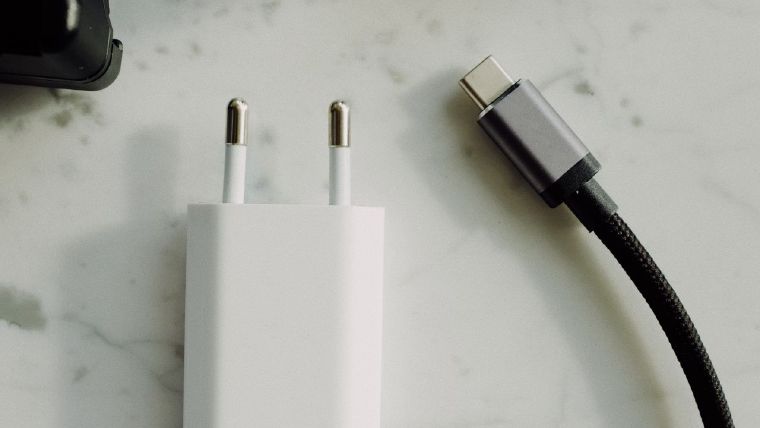
Waarom alleen Apple-laders hun naam tonen op de Mac
Apple's laders zijn de enige USB-C-laders die zich volledig identificeren bij macOS - naam, model, firmware, serienummer. Dit is waarom laders van andere merken als een algemene 'Power Supply' verschijnen, en wat de app dan wél toont.
Lees de gids →
Setapp vs. Mac App Store: Waar u USB Verbindingsinformatie kunt krijgen
We brengen USB Verbindingsinformatie naar de nieuwe Standalone store van Setapp. Hier is een overzicht van de verschillen tussen kopen via de Mac App Store en Setapp.
Lees de gids →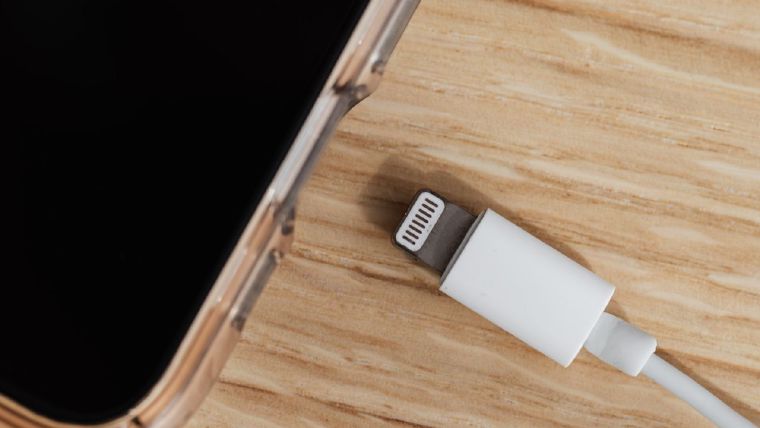
Kun je een MacBook opladen met een oude Apple iPad-lader? (Gemeten)
Ik testte een Apple 5W, 10W en 12W USB-A-adapter op een M1 MacBook Air via een USB-C tussenstekker. Spoiler: macOS valt terug op USB BC 1.2 en beperkt zich tot 7,5W ongeacht de capaciteit van de adapter.
Lees de gids →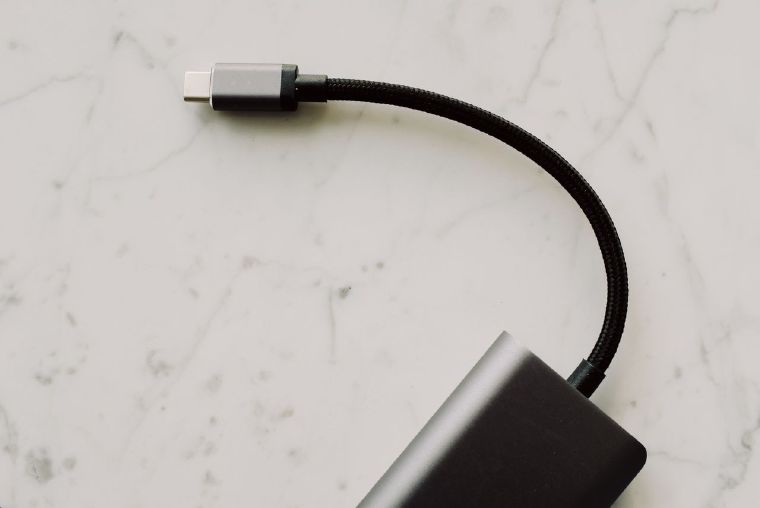
Waarom zijn sommige USB-C-kabels beperkt tot 100W? EPR en USB PD 3.1 uitgelegd
100W was jarenlang het maximum van USB-C-laden. USB PD 3.1 tilde het plafond naar 240W - maar alleen met nieuwe EPR-kabels. Dit is waarom, en zo weet je welk plafond jouw kabel raakt.
Lees de gids →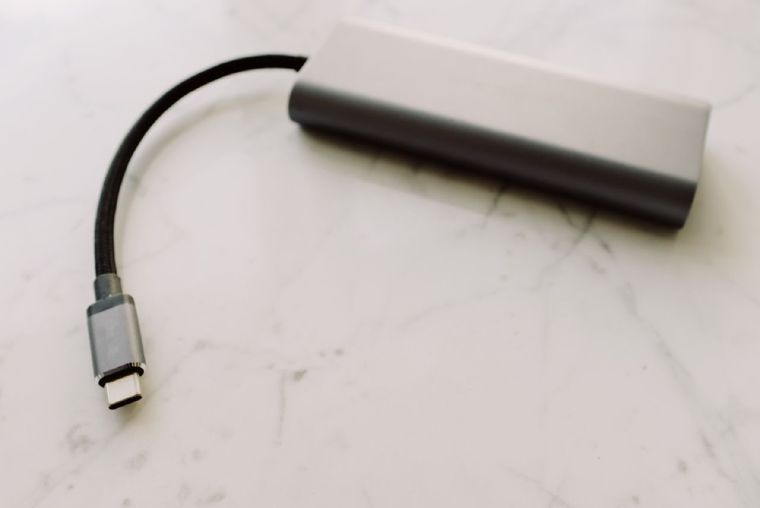
USB-C-kabels met en zonder eMarker-chip: wat is het verschil?
De chip in een USB-C-kabel bepaalt of je 60W of 240W laadt, en of je USB 2.0 of USB 4 haalt. Zo werken eMarkers, en zo weet je welk type je in handen hebt.
Lees de gids →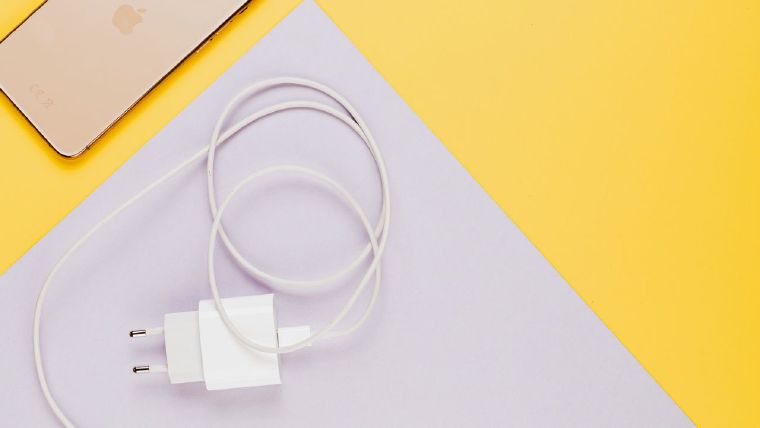
Is mijn iPhone verbonden via USB 2.0 of USB 3? Zo controleer je het
Je iPhone 15 Pro of 16 Pro ondersteunt overdrachten van 10 Gbps - maar de kabel in de doos is USB 2.0. Zo controleer je welke snelheid je werkelijk haalt, en het ~20× verschil in de praktijk.
Lees de gids →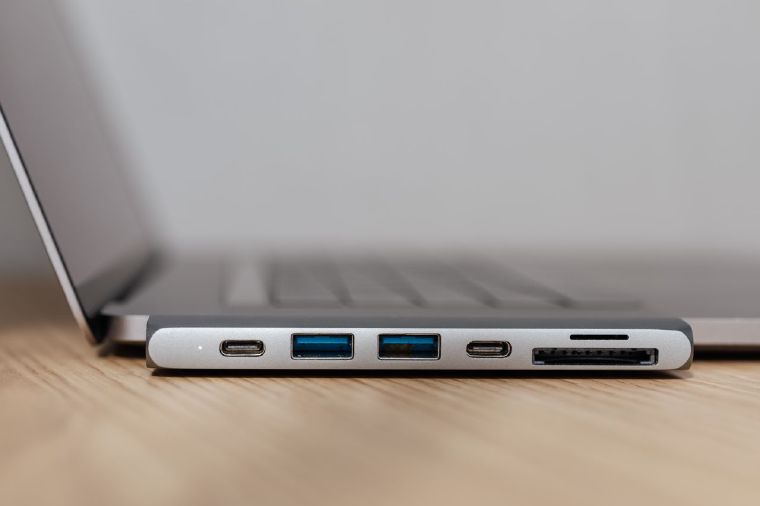
Thunderbolt 4 vs. USB4: Identificeer je verbindingstype
Dezelfde stekker, dezelfde marketingbuzzwords - maar Thunderbolt 4 en USB4 zijn niet hetzelfde. Zo identificeer je wat je werkelijk hebt.
Lees de gids →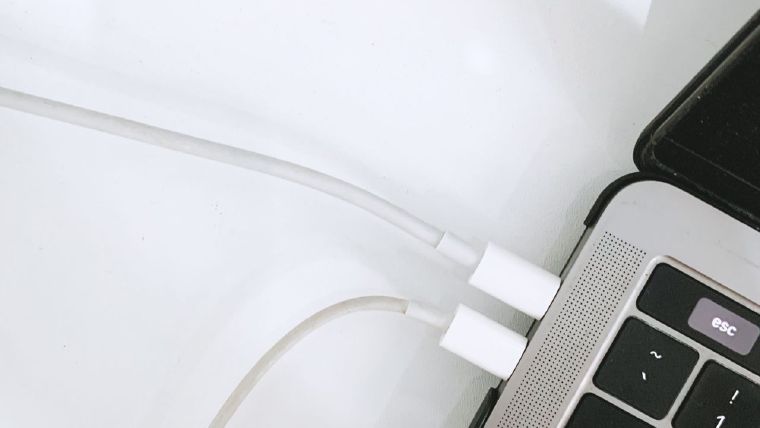
Waarom laadt mijn Mac langzaam op? USB-C Power Delivery (PD) bewaken
Mac laadt langzaam? Waarschijnlijk een Power Delivery onderhandelingsmismatch. Zo werkt PD en hoe je de profielen die je lader werkelijk adverteert kunt bekijken.
Lees de gids →
Hoe controleer je de snelheid van een USB-C kabel?
Identiek uitziende USB-C kabels kunnen 480 Mbps of 10 Gbps halen - zo controleer je de werkelijk onderhandelde snelheid op Mac en Windows.
Lees de gids →


